QR codes for real estate agents
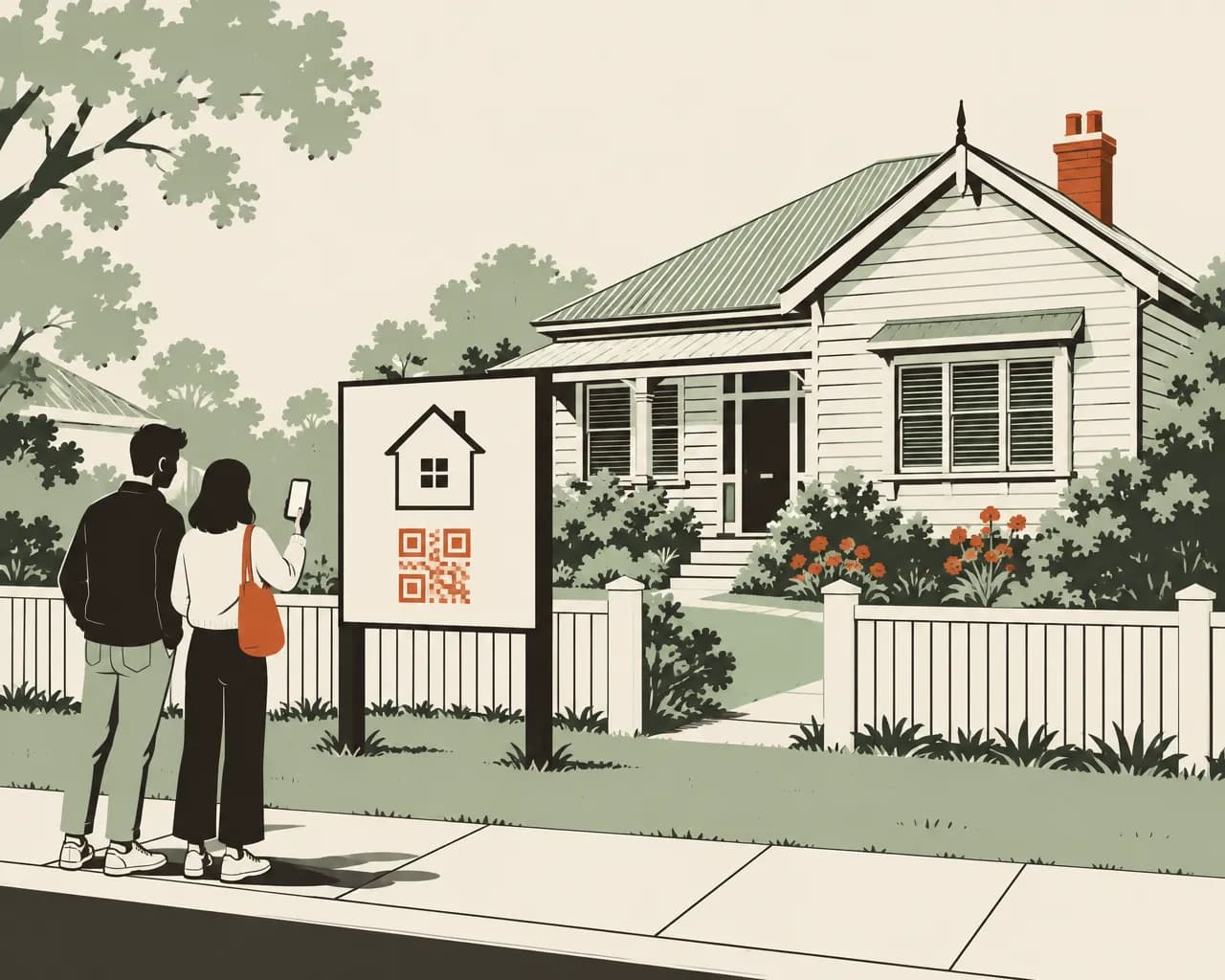
A signboard stays outside a property for weeks. A code on it opens the listing. When the property sells, you can point the same code at your other listings.
The Free plan needs no credit card. Static codes are free on every plan.
How agents use QR codes
You print signs and brochures for each property. You can change the page each code opens when the listing changes.
Open the listing from the sign
A code on the signboard opens the full listing with photos and open home times.
When the property sells
Point the code at your other listings or your appraisal page.
Scan counts for vendor reports
Give each property its own codes to show the vendor how many people scanned the board, the window card and the brochure. On Business, a branded report for the property's folder can be emailed to the vendor each week.
Window cards
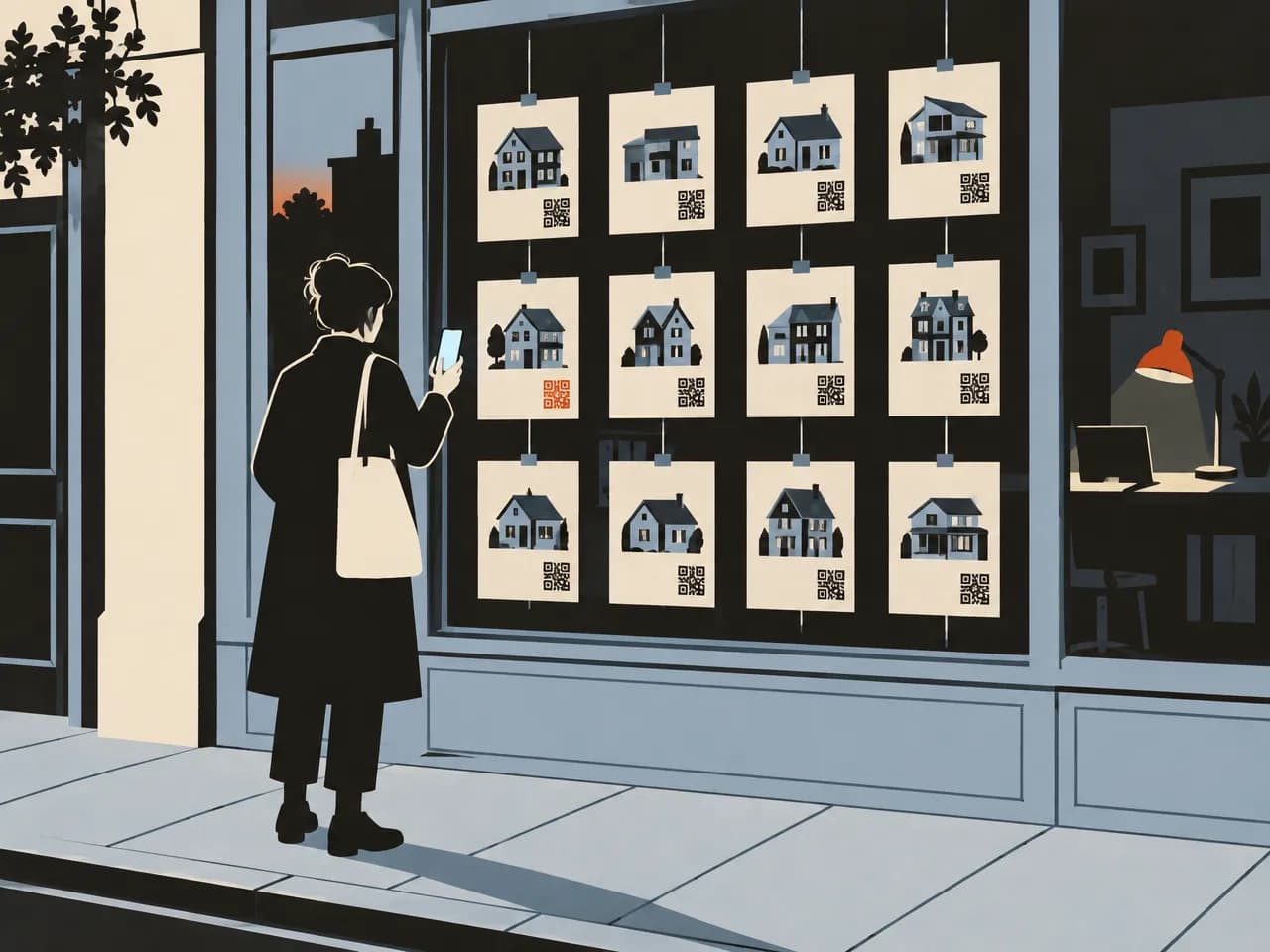
A code on each card in the office window opens that listing.
Agent profiles
A bio page gives each agent a mobile page with a photo, a short bio, contact links and their current listings. Put its code on business cards and the back of brochures.
Viewing requests from the sign
On Pro and Business, a lead form collects a name, phone number and message from people who want a viewing. Each enquiry records the property code it came from.
Codes for signs, brochures and cards
Website codes for listings, contact cards and bio pages for agents, and lead forms for viewing requests.
Website
Opens the listing on your site or a property portal. When the property sells, change the link.
Make one freeContact card
Saves the agent's name, number and email to the buyer's phone. On a dynamic code, you can update the details without reprinting.
Make one freeLink in bio page
A mobile profile page for each agent, with a photo, a short bio, links to listings and socials.
See plansLead form
A short form for viewing requests and appraisal enquiries. Available on Pro and Business.
See plansEvent
Adds an open home to the scanner's calendar with the time and address.
Make one freeLocation
Opens directions to the property in the scanner's maps app. Useful on brochures handed out at the office.
Make one free
Codes for one listing
Six codes for a single property, kept in its own folder. Lead forms need Pro or Business, and scheduled reports need Business.
- Signboard outside the propertyWebsiteThe listing. Your other listings once it sells.
- Card in the office windowWebsiteThe same listing, with its own code so you can compare it with the board.
- Brochure at the open homeLead formRequest a viewing or an appraisal.
- Flyer for the open homeEventThe open home time, added to their calendar.
- Agent's business cardLink in bioThe agent's profile and current listings.
- Back of the brochureContact cardThe agent's details, saved to their phone.
Reporting to vendors
Put each property's codes in their own folder. You can then show the vendor how many people scanned each sign and brochure, and in which area.
- Analytics lists scans per code, next to where each one is printed
- On Business, a scheduled report covers one folder and goes to up to 20 email addresses each week or month
- Reports carry your logo, brand name and colour, with no DynaQR branding
- Each report links to a PDF the vendor can open without an account
Real estate QR code questions
What happens to the code when a property sells?
Change the code's link to your other listings, your appraisal page or the agency website. To switch on a set date, give the code an expiry date and choose the page it opens afterwards.
Can I reuse a signboard for another property?
Yes, if the board carries a dynamic code. Point it at the new listing before the board goes up. Scans before and after the change count on the same code, so give each property its own code if you need separate figures for vendors.
How do I show a vendor how their marketing is doing?
Open Analytics for each of the property's codes to see scans by day and by area, or compare all your codes side by side. On Business you can schedule a branded report for the property's folder, emailed weekly or monthly with a link to a PDF.
Can each agent have their own profile page?
Yes. A bio page gives each agent a mobile page with a photo, a bio, links and socials. Starter includes 3 bio pages, Pro 10, and Business has no limit.
Can the whole office share one account?
Yes. Pro includes 3 users and Business 10, all working in the same workspace with the same codes and folders.
Make a code for your next listing
The Free plan includes 1 dynamic code and unlimited static codes. Starter has 25, Pro 100 and Business 500. Paid plans start with a 14-day free trial.
Also for:Restaurants and cafésClinics and medical practicesTrades and contractorsProduct packaging and labelsEvents and conferencesPosters and flyers