QR codes for product packaging and labels
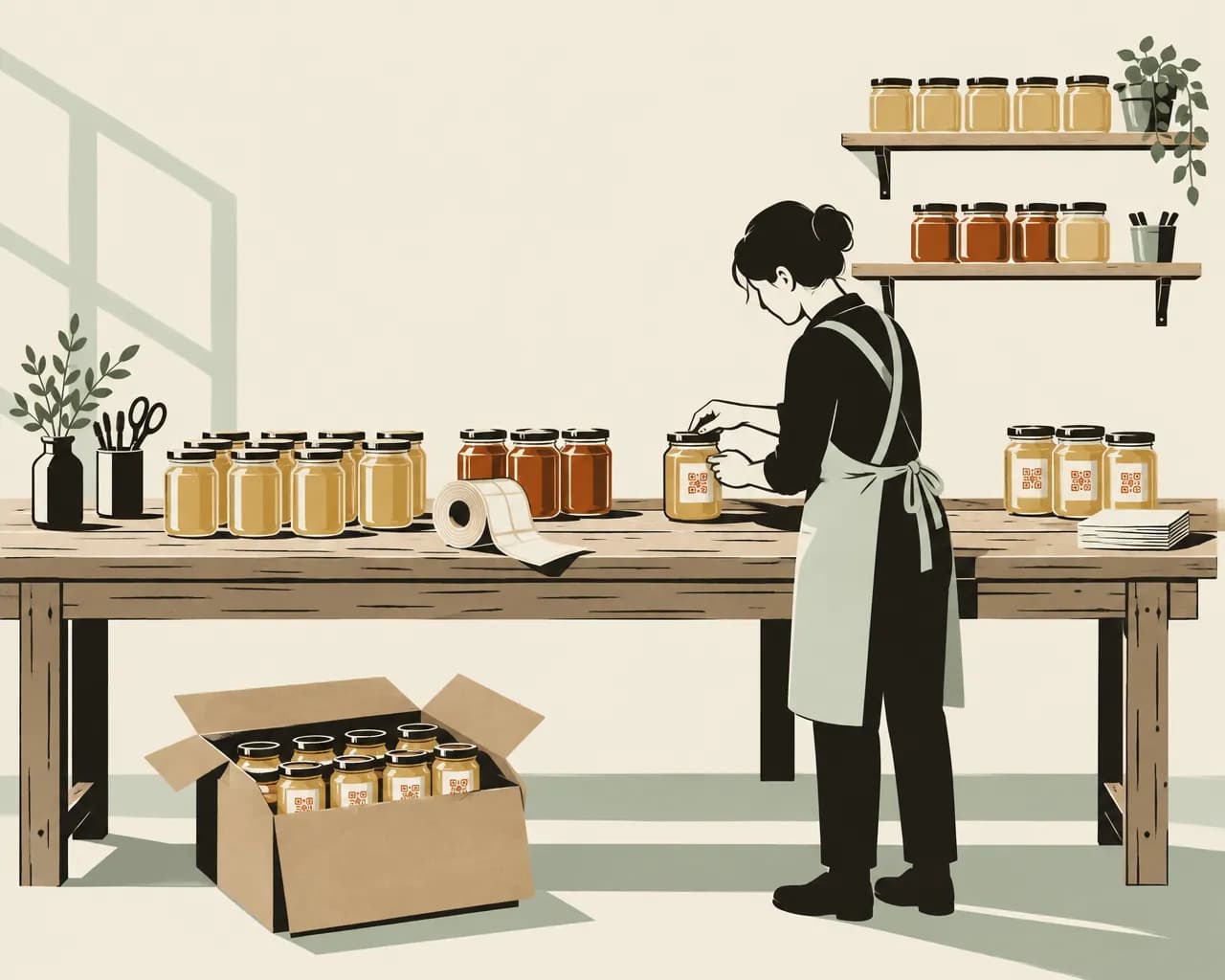
Labels are printed in bulk and stay on shelves for months. With a dynamic code on the label, you can change the page it opens without printing a new run.
The Free plan needs no credit card. Static codes are free on every plan.
How makers use QR codes on packaging
You can change the page a code opens after the label is printed.
Recipes and how-to pages
A code on a jar of chutney can open a recipe that uses it. You can change the recipe each season.
Batch and provenance details
Point the code at a page about where the ingredients come from or how to store the product. Update the page when the supplier changes.
Promotions on the pack
Run a competition or an offer from the label. You can give the code an end date and a page to open after it, such as your product page.
Reorder links
A code on a refill pouch or a candle tin can open the product in your online shop.
See where your products sell
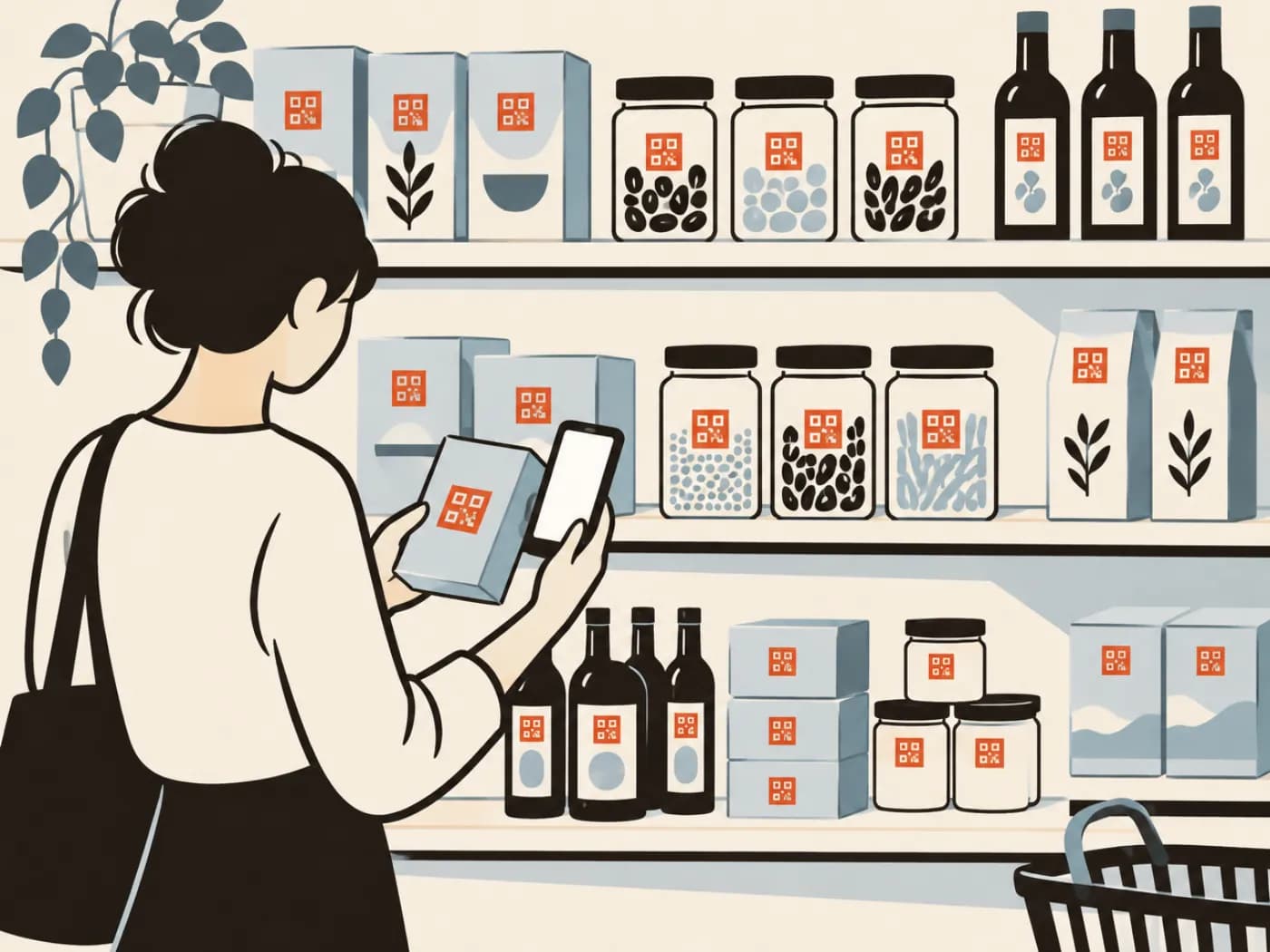
Scans are shown by country, region and city. If a new stockist starts selling your product in another town, scans from that town show up.
A code for every product
On Pro and Business, import a CSV to create up to 500 codes at a time, each with its own name, link, folder and tags. Give each product or flavour its own code.
Codes for labels and packs
Most packaging uses website codes. A few other types are useful on inserts and outer boxes.
Website
Opens a recipe, a product page, batch details or your shop. Use this one on the label. You can change the link after printing.
Make one freeLink in bio page
One mobile page with links to recipes, stockists, your shop and your socials. Useful if you don't have a website, or want one page for a whole range.
See plansLead form
A sign-up page for a newsletter, a competition or a waiting list for the next batch. Each sign-up records which code it came from. Available on Pro and Business.
See plansGoogle review
Opens the review form for your shop or workshop. Print it on a thank-you card that goes out with online orders.
Make one freeWhatsApp
Opens a chat with you. Useful on wholesale cartons, so stockists can reorder by message.
Make one freeEmail
Opens an email to you with the subject already filled in, for trade enquiries and wholesale orders.
Make one free
Codes for a small sauce maker
Six codes across labels, cartons and inserts. Bulk import and the sign-up form need Pro or Business.
- Front label on each flavourWebsiteA recipe for that flavour.
- Back labelWebsiteBatch details and where the chillies are grown.
- Neck tag on a limited runLead formJoin the waiting list for the next batch.
- Card in online ordersGoogle reviewYour review form.
- Outer carton for stockistsWhatsAppA chat with you to reorder.
- Sticker for a summer offerWebsiteThe offer page until its end date, then your shop.
Creating codes for a whole range
On Pro and Business you can create or update codes from a spreadsheet. Each row becomes a dynamic website code with its own name and link.
- Up to 500 rows per file, with columns for name, link, folder, tags and where the code is printed
- Add an existing code's ID to a row to change its link
- Download each code as PNG, SVG or PDF for your label artwork
- If the links will never change, the free bulk generator makes up to 50 static codes as SVG files
Packaging and label questions
Do I need to reprint labels when the page changes?
No. Change the code's link in your dashboard. Labels already printed open the new page.
How small can a code on a label be?
About 2 cm (0.8 in) wide, for a label people hold in their hand. Check the size with our free size calculator before the label goes to print.
Can each batch have its own code?
Yes. Create a code for each batch, by hand or with a CSV import on Pro and Business, and point each one at that batch's details. Or keep one code on every label and update its page when a new batch goes out.
Can I see where my products are scanned?
Yes, by country, region and city. Location comes from the scanner's network, so city data can be wrong, especially on mobile networks.
What happens to codes on printed labels if I stop paying?
The code you made first keeps working on the Free plan. The others keep working for 14 days, then pause until you subscribe again. Nothing is deleted. Static codes work on every plan.
Make a code for your labels
The Free plan includes 1 dynamic code and unlimited static codes. Starter has 25, Pro 100 and Business 500. Paid plans start with a 14-day free trial.
Also for:Restaurants and cafésClinics and medical practicesTrades and contractorsEvents and conferencesPosters and flyersReal estate agents