QR codes for events
Programmes and signs are printed before the event, but the schedule can still change. A dynamic code lets you change the page it opens. After the event, point it at a feedback survey or the photos.
The Free plan needs no credit card. Static codes are free on every plan.
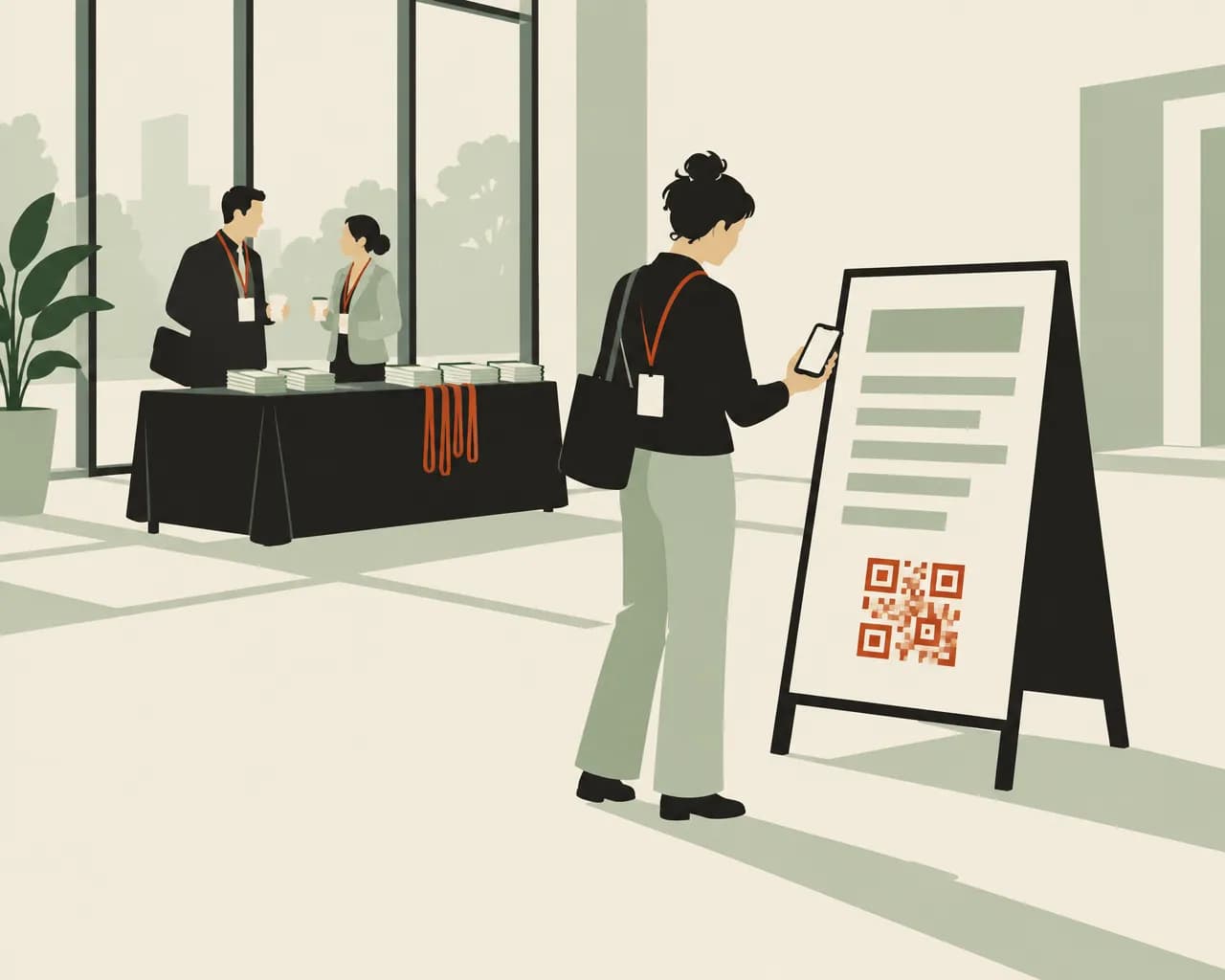
How event organisers use QR codes
Print the codes once. Change the pages they open before, during and after the event.
Keep the schedule current
If a session moves, update the schedule page. The codes on programmes, badges and signs open the updated page.
Different pages at different times
On Pro and Business, add a schedule to open a different page by time of day, day of the week or date range. A sign by the main stage can open the morning sessions until lunch, then the afternoon sessions.
After the event
Point the same codes at a feedback survey or the photo gallery once the event is over.
Sign-ups at the stand
On Pro and Business, a lead form collects names, emails and the other fields you choose. Each sign-up records the code it came from.
Add the date to their calendar
An event code on a flyer or poster adds the date, time and place to the scanner's calendar. On a dynamic event code you can change the time after printing.
See when people scanned
Give the badges, the programme and each sign their own code. Analytics shows scans for each one by day and hour.
Codes for tickets, badges and signs
Website codes do most of the work. Add others for sign-ups, calendars and directions.
Website
Opens the schedule, a venue map or a feedback survey. You can change the link at any time.
Make one freeEvent
Adds the event to the scanner's calendar with the date, time and place. Good on save-the-date cards and posters.
Make one freeLead form
A sign-up page for a mailing list, a prize draw or next year's tickets. Available on Pro and Business.
See plansLocation
Opens directions to the venue in the scanner's maps app. Print it on tickets and parking signs.
Make one freeWi-Fi
Connects attendees to the venue network. The password is stored in the code, so print a new one if it changes.
Make one freeLink in bio page
One mobile page with the schedule, speakers, a map and your socials, for events without their own website.
See plans
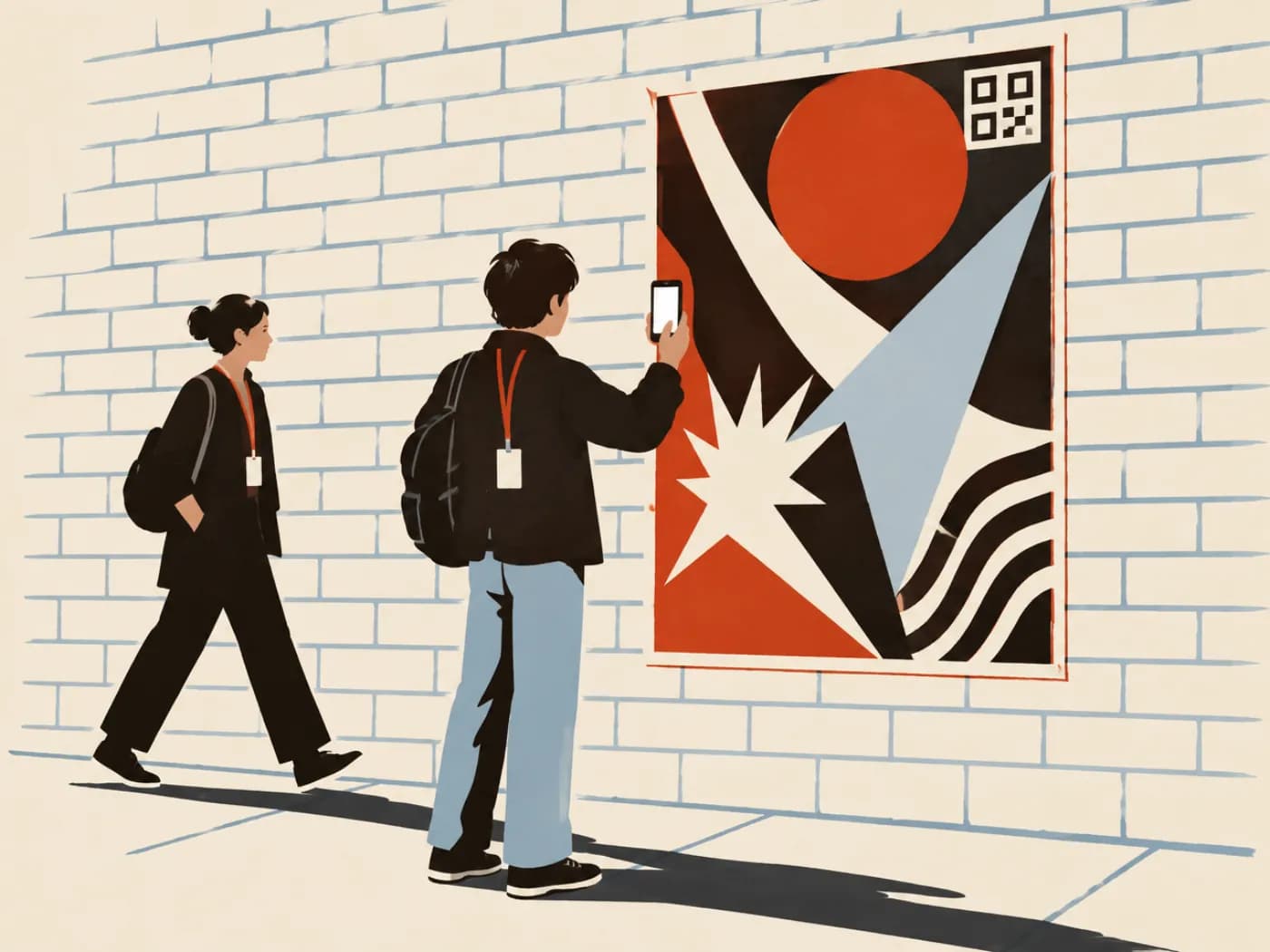
Codes for a one-day conference
Six codes across tickets, badges and the venue. Schedules and lead forms need Pro or Business.
- Printed ticketsLocationDirections to the venue.
- Attendee badgesWebsiteThe schedule on the day. A feedback survey once the event is over.
- Printed programmeWebsiteSpeaker biographies and session details.
- Sign by the main stageWebsite, with a scheduleThe morning sessions until lunch, the afternoon sessions after.
- Card at the sponsor standLead formSign up for the prize draw.
- Signs in the foyerWi-Fi (static)Joins the venue network.
Before, during and after
You can change a dynamic code's link as often as you like. The same badge can open a different page before, during and after the event.
- Before the event, point it at the ticket page or the schedule
- On the day, keep it on the schedule and update the page when plans change
- Afterwards, switch it to a feedback survey or the photo gallery
- On Pro and Business, you can set the date the change happens
Event QR code questions
Can I change where the codes go on the day?
Yes. Change the code's link in your dashboard. You don't need to reprint the badges or signs.
Can one code open different pages at different times?
Yes, on Pro and Business. Add a schedule by time of day, day of the week or date range. It uses your workspace's time zone, so check it under Settings before the event.
Can I collect feedback with DynaQR?
You can point the code at any feedback survey you already use. On Pro and Business you can also make a lead form with the message box turned on, which saves each response with the code it came from.
Can DynaQR check tickets at the door?
No. Our codes open web pages and don't validate tickets. Use your ticketing system's codes for entry, and ours for directions and the schedule.
How many codes does an event need?
One code can go on everything. Separate codes for badges, programmes and each sign let you compare scans. Starter includes 25 dynamic codes and Pro 100.
Make codes for your event
The Free plan includes 1 dynamic code and unlimited static codes. Starter has 25, Pro 100 and Business 500. Paid plans start with a 14-day free trial.
Also for:Restaurants and cafésClinics and medical practicesTrades and contractorsProduct packaging and labelsPosters and flyersReal estate agents