QR codes for trades and contractors
Put a QR code on your van, site boards and flyers. People can scan it to ask for a quote, and you can see which sign each enquiry came from.
The Free plan needs no credit card. Static codes are free on every plan.
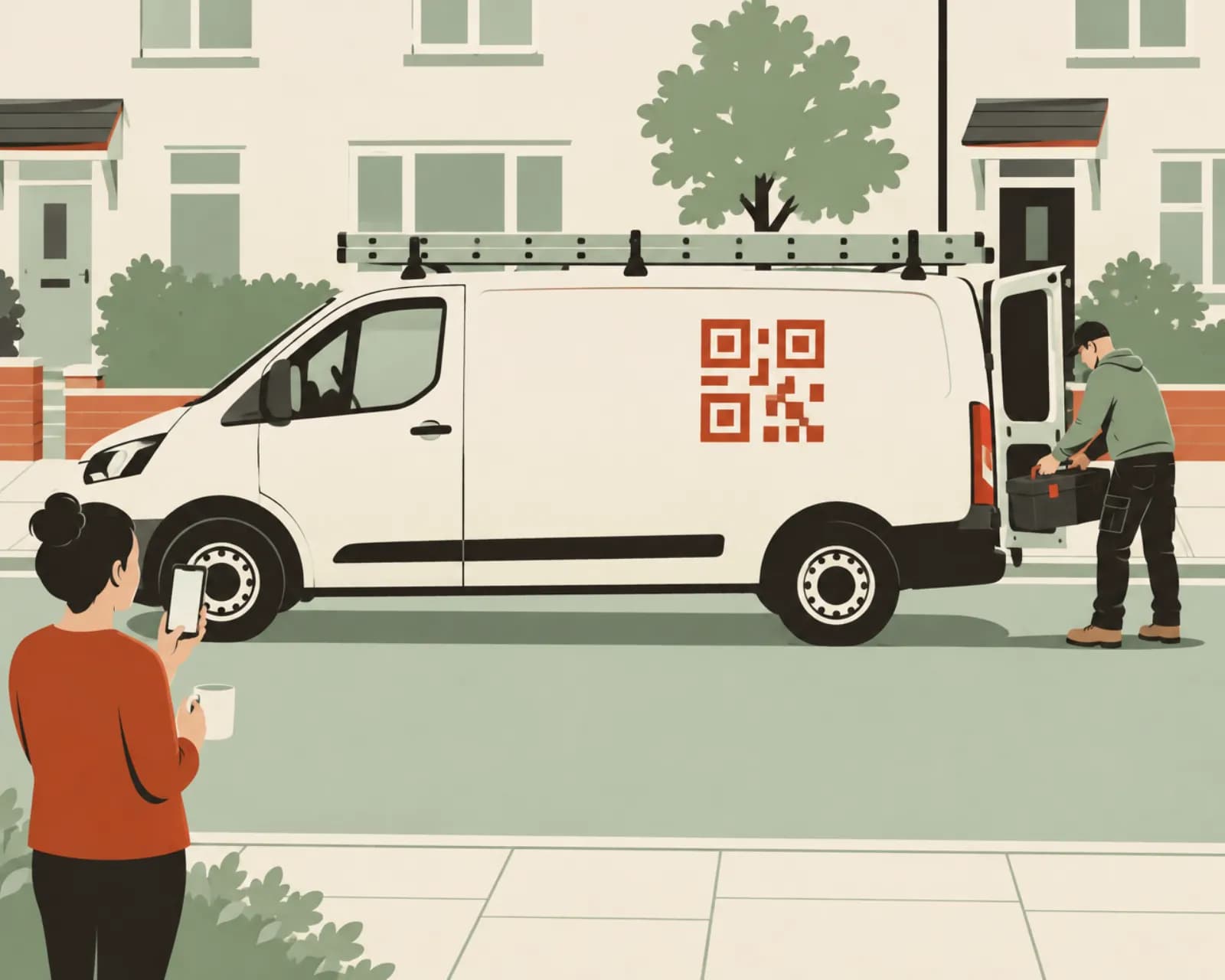
How trades and contractors use QR codes
People see your van and site boards while you work. A code lets them get in touch.
Quote requests from your van
A code on the side panel opens a short quote request form. People leave their details and a note about the job.
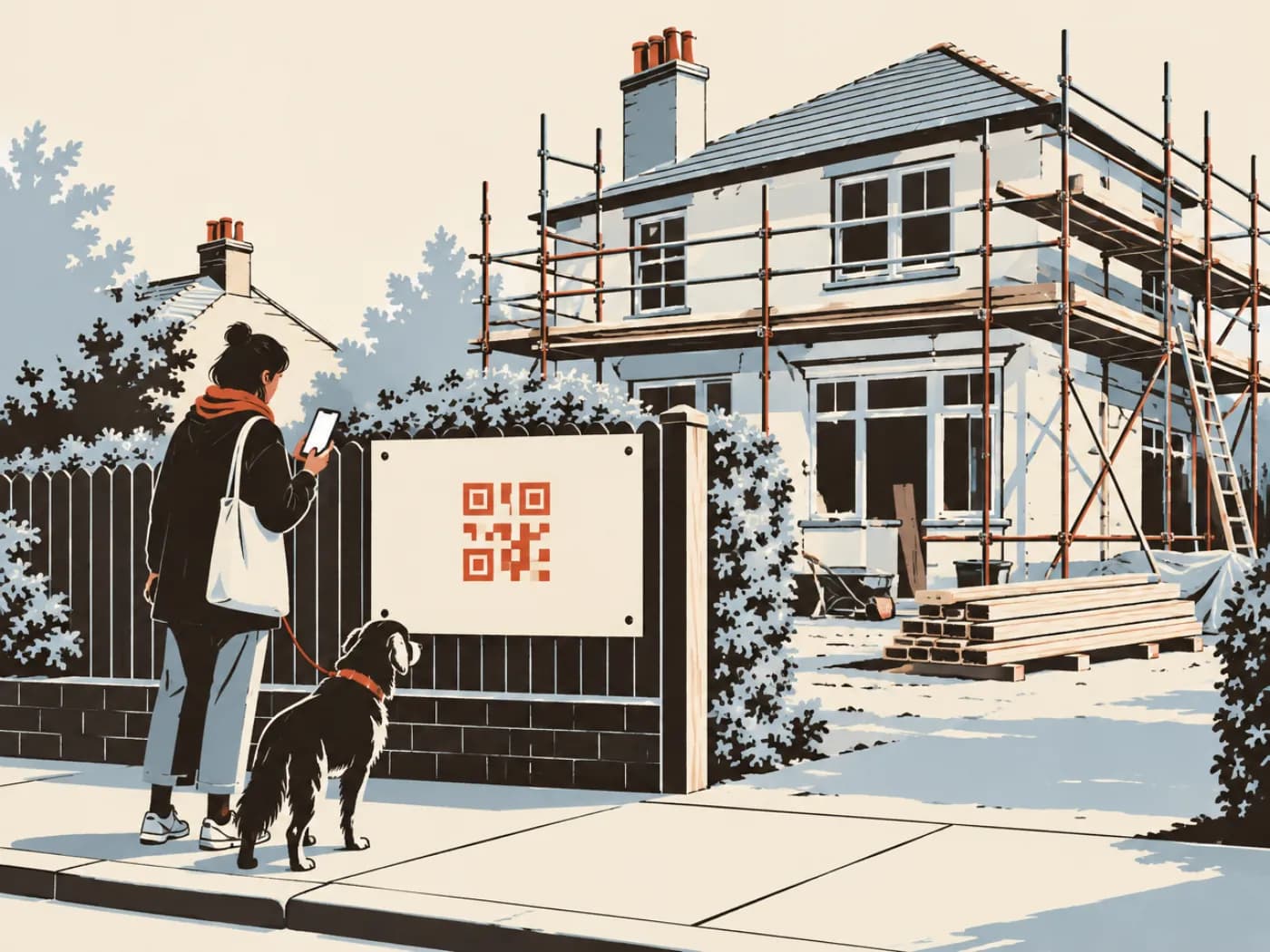
Site boards you can reuse
A board on the fence opens photos of your work and a way to get in touch. When the job finishes, point the code at the next job and reuse the board.
Save your contact details
A contact card code on the invoice or a sticker by the meter saves your name, number and email to the customer's phone.
Ask for a review when the job is done
Leave a card when you finish the job. It opens your Google review form.
Show photos of finished jobs
A bio page with photos of finished jobs, the services you offer and a link to request a quote. Put its code on flyers and printed quotes.
See which sign brings in work
Give each van, board and flyer run its own code. Scans and enquiries are counted per code.
Contact cards, reviews and quote forms
Start with a contact card and a review card. Add a lead form when you want enquiries from signage.
Lead form
A short page that collects a name, contact details, an address and a message about the job, then emails you the enquiry. Available on Pro and Business.
See plansContact card
Saves your details to the customer's phone. On a dynamic code you can change the number without new signwriting.
Make one freeGoogle review
Opens your Google review form. Print it on a card you leave with the invoice.
Make one freeLink in bio page
A mobile page with job photos, a list of services and your socials. On Pro and Business you can add a quote form. Useful if you don't have a website.
See plansCall
Starts a call to your mobile. For emergency call-outs, print it large on the back doors.
Make one freeWhatsApp
Opens a chat with you with a message already started. Customers can send a photo of the problem.
Make one free
Codes for a two-van business
Six codes across vans, boards and paperwork. The quote forms need Pro or Business.
- Side panel of each vanLead formRequest a quote: name, phone, address and what needs doing. One code per van.
- Site board on the fenceLink in bioPhotos of the job, your services and a quote form.
- Card left with the invoiceGoogle reviewYour review form.
- Sticker by the meter or fuse boardContact cardYour details, saved to their phone.
- Mailbox flyersWebsiteThis season's offer.
- Back doors of the vanCallRings your mobile.
From a scan to a quote
A lead form is a short page with the fields you switch on. Customers tell you what they need and how to reach them, and you reply with a quote or a time to visit.
- Choose from first name, last name, email, phone, address and a message box, each required or optional
- Get an email for every enquiry, or one daily digest
- Each enquiry records the code it came from
- Download your enquiries as CSV or Excel
Van signage and quote form questions
Will a QR code on a van scan properly?
Yes, if it's big enough. The code should be about a tenth of the scanning distance, so 30 cm (12 in) wide to be read from 3 m (10 ft). Use strong contrast and put it on a flat panel. Check the size with our free size calculator before the signwriter starts.
What can people send through a quote form?
Their name, email, phone number, address and a message describing the job, using the fields you switch on. Each enquiry is emailed to you and saved with the code it came from. Lead forms are on Pro and Business.
I'm changing my phone number. Do I need new signwriting?
Not with a dynamic code. Update the contact card or the link, and the code on the van opens the new details. A static code would need reprinting, so use dynamic codes for anything painted or wrapped.
Do I need a website?
No. A bio page gives you a simple mobile page with photos, services and links, and on Pro and Business you can add a quote form to it. If you already have a website, point your codes at it.
What happens to the code on my van if I stop paying?
The code you made first keeps working on the Free plan. The others pause after 14 days, and come back when you subscribe again. Nothing is deleted.
Put a code on the van
The Free plan includes 1 dynamic code and unlimited static codes. Starter has 25, Pro 100 and Business 500. Paid plans start with a 14-day free trial.
Also for:Restaurants and cafésClinics and medical practicesProduct packaging and labelsEvents and conferencesPosters and flyersReal estate agents