QR codes for posters and flyers
Give each poster site or flyer run its own QR code. You can see how many people scanned each one, where and when.
The Free plan needs no credit card. Static codes are free on every plan.
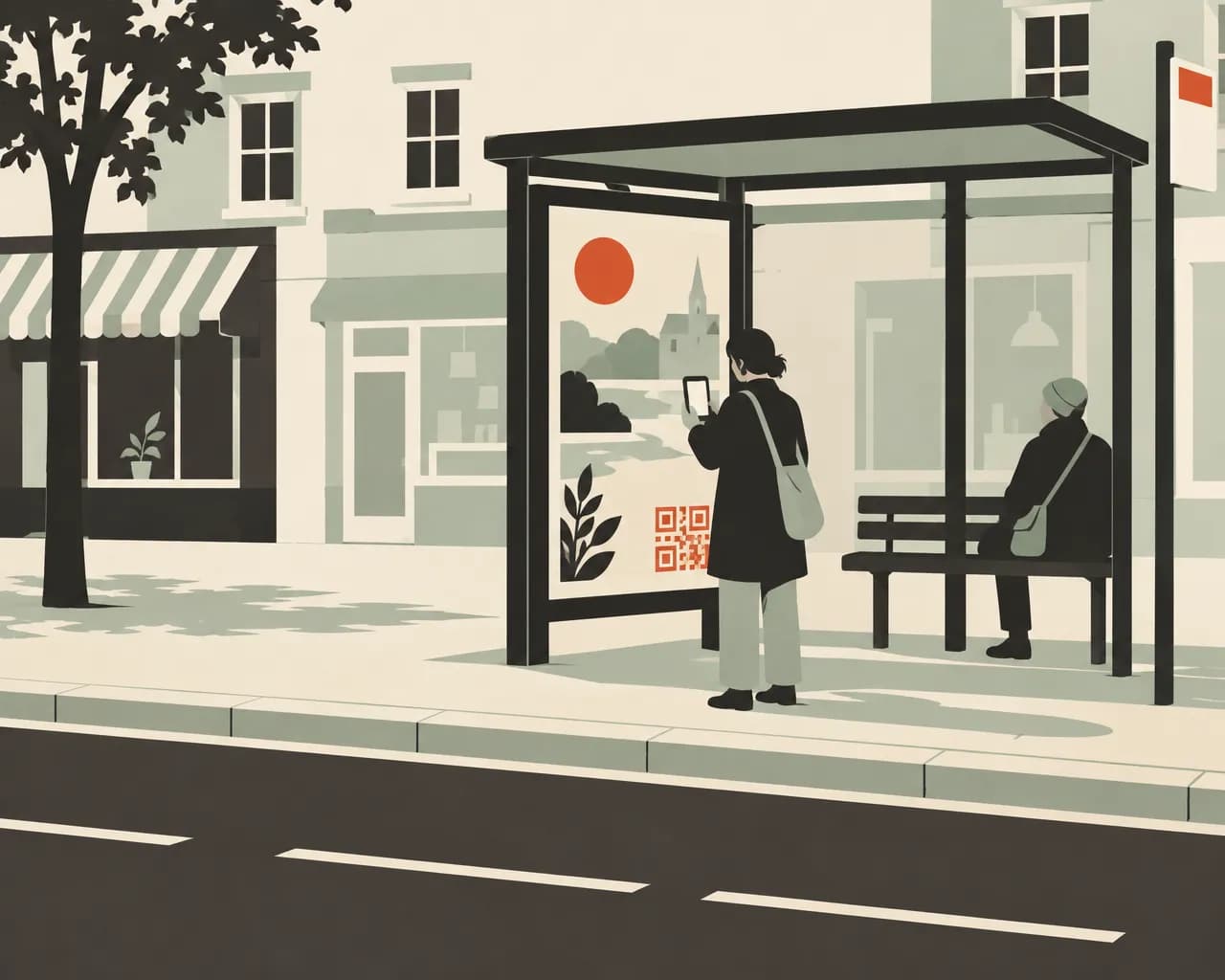
How businesses use QR codes in print ads
Use a separate code for each place you print. You can change the page each code opens after printing.
One code per site
Make a separate code for each poster site, flyer drop or magazine ad, and record where it's printed. Analytics lists the codes side by side with their placements and scans.
UTM tags on every scan
On Starter and up, we add UTM tags to the link when someone scans, so your web analytics shows poster visits separately. You can set the tags once for the workspace, filled in from each code's name, placement or tag.
Compare by place and time
Scans are shown by country, region and city, and by day and hour.
Old posters still lead somewhere
Posters often stay up after a campaign ends. Point the code at your current offer, or set an expiry date and a page to open after it.
Test two landing pages
On Pro and Business, an A/B split sends scans to two or more pages by percentage. Use it with your own conversion tracking to see which page works better.
Collect enquiries from the poster
A lead form code opens a short sign-up page. Each enquiry records the code and placement it came from. Available on Pro and Business.
Codes for print advertising
Most print ads use website codes. Lead forms and event codes help when you want a sign-up or a booking.
Website
Opens your landing page. You can change the page at any time, and scans are counted per code.
Make one freeLead form
A sign-up page for enquiries, a mailing list or an offer. Available on Pro and Business.
See plansEvent
Adds an open day or a sale to the scanner's calendar.
Make one freeLocation
Opens directions to your shop or venue in the scanner's maps app.
Make one freeWhatsApp
Starts a chat with you, for people who would rather send a message than fill in a form.
Make one freeLink in bio page
One mobile page with your links and socials.
See plans
Codes for a gym's spring campaign
Six codes, one for each place the campaign runs. UTM tags need Starter or above, and the lead form needs Pro or Business.
- Poster at the train stationWebsiteThe spring offer, tagged with the station as its placement.
- Poster on the high streetWebsiteThe same offer, with its own code so the two sites can be compared.
- Flyers through letterboxesLead formBook a trial session.
- Ad in the local magazineWebsiteThe offer page, tagged with the magazine's name.
- Poster in the gym windowEventThe open day, added to their calendar.
- Last season's posters still upWebsiteThe current offer.
Measuring print
Each code counts its own scans. Give every site or run its own code and record where it's printed.
- Where each code is printed shows in analytics, scan exports, lead exports and reports
- UTM tags are added when someone scans, so you don't print them in the link
- On paid plans, export every scan as CSV with its time, place, device and placement
- Bots and link previews are left out of the counts
Print advertising questions
Should every poster have its own code?
If you want to compare them, yes. Scans are counted per code. Starter includes 25 dynamic codes and Pro 100. On Pro and Business you can create them in bulk from a CSV.
Do I need to add UTM tags to the printed link?
No. On Starter and up, we add them when someone scans. Set them per code or once for the whole workspace. Tags already in your link are kept.
What happens when a campaign ends?
Change the code's link to your next offer, or give the code an expiry date and a page to open after it. Without that page, people see a message that the code has ended.
Can poster scans show up in Google Analytics?
Yes, on Starter and up. UTM tags label the visits on your website. You can also send a scan event to your Google Analytics 4 property for every scan, even when the code doesn't open your website.
How big should the code be on a poster?
About a tenth of the scanning distance. A code read from 2 m (6 ft) should be about 20 cm (8 in) wide. Check it with our free size calculator before you print.
Make a code for your next print run
The Free plan includes 1 dynamic code and unlimited static codes. Starter has 25, Pro 100 and Business 500. Paid plans start with a 14-day free trial.
Also for:Restaurants and cafésClinics and medical practicesTrades and contractorsProduct packaging and labelsEvents and conferencesReal estate agents