QR codes for clinics and medical practices
Put a QR code on the reception desk that opens your new patient form, and one on the door that opens online booking. If your booking system or hours change, you change the link. The signs stay up.
The Free plan needs no credit card. Static codes are free on every plan.
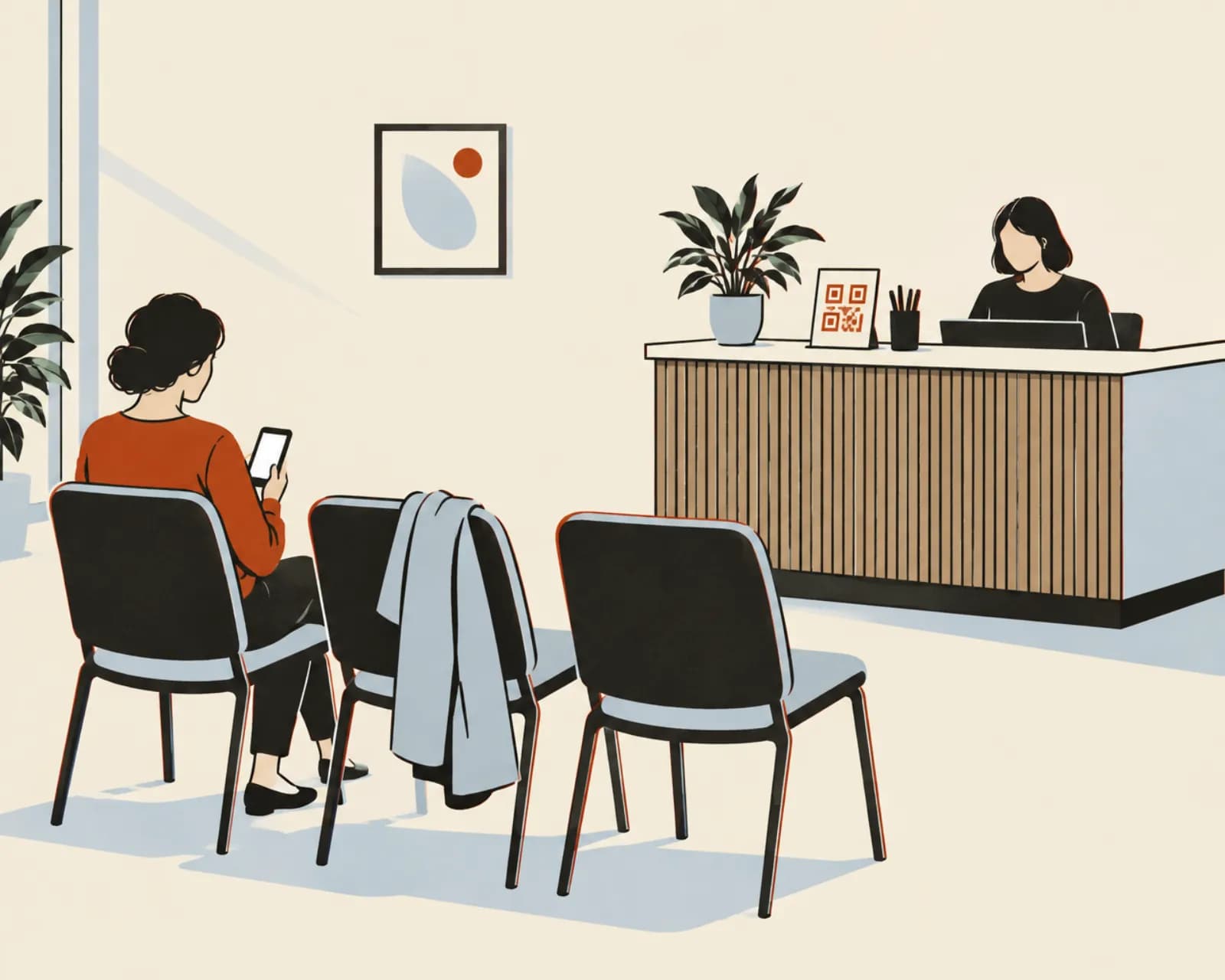
How clinics and practices use QR codes
Each code opens a page you already have. No patient information goes through the code.
New patient forms on the patient's phone
A sign in the waiting room opens the new patient form in your practice system. Patients fill it in on their own phone.
Check-in from the waiting room
If your practice software has a check-in page, put a code for it at the entrance. If you change software later, change the link.
Online booking after hours
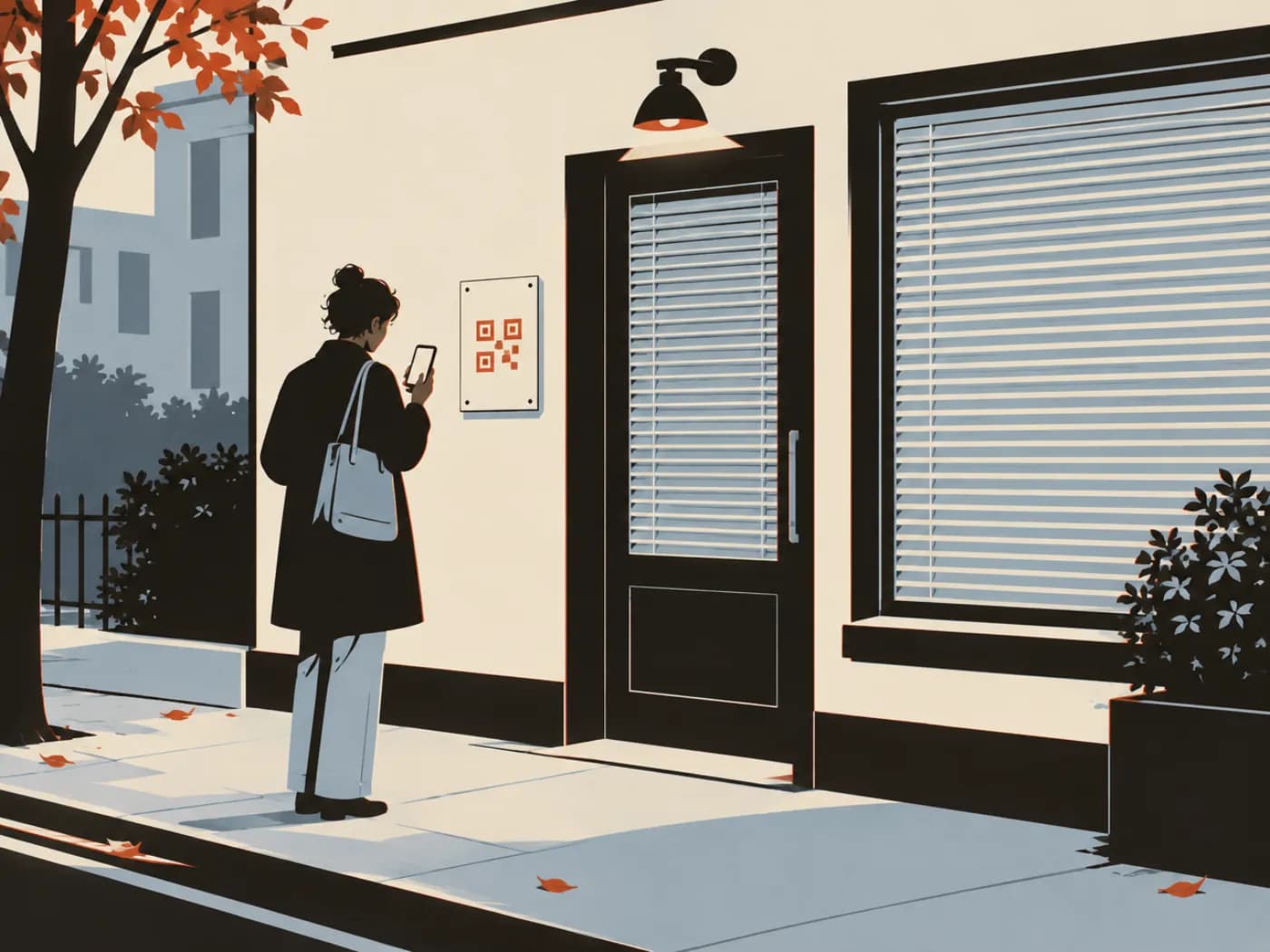
A code on the door and on appointment cards opens your online booking page, for people who arrive after hours.
Up-to-date opening hours
Point the door sign at your opening hours page. When the hours change for a holiday, update the page.
Save the practice's contact details
A contact card code on appointment cards saves the practice phone, address and email to the patient's phone.
Directions to the right entrance
A location code on letters and reminder cards opens directions in the patient's maps app. Handy when the entrance is round the back.
Links to the systems you already run
Most of these are links to systems you already use.
Website, for booking and forms
Opens your booking page, new patient form or patient portal. The form stays in your own system. The code only takes people to it.
Make one freeContact card
Saves the practice name, phone, address and website to a phone. On a dynamic code you can update the number later without reprinting the cards.
Make one freeCall
Starts a call to reception. Useful on after-hours signs and large-print notices.
Make one freeLocation
Opens directions to the practice. Put it on letters, reminder cards and your stationery.
Make one freeLink in bio page
One mobile page for the things people ask reception: how to book, opening hours, fees, parking and who to call after hours.
See plansGoogle review
Opens your Google review form. Put it on a card at the desk.
Make one free
Signs and stationery for a small practice
Five codes. None of them holds patient information.
- Stand on the reception deskWebsiteThe new patient form in your practice system.
- Sign on the front doorWebsiteOnline booking and your current opening hours.
- Appointment cardsContact cardPractice phone, address and email, saved to contacts.
- Letters and reminder cardsLocationDirections to the entrance and the car park.
- Waiting room posterLink in bioHours, fees, parking and how to book, on one page.
Careful with patient information
A code opens a page and does nothing more. Health details stay in the systems you already use for them.
- For each scan we record the time, approximate location and device type. We don't record names or IP addresses
- Forms, check-in and patient portals stay in your practice system. The code only opens them
- A printed code opens the same page for everyone, so don't point one at anything personal to a single patient
Privacy and setup questions
Is patient information stored in the QR code?
No. The code opens the page you chose, such as your booking page. Anything the patient types goes into that system, not into the code and not to us.
What do you record when someone scans a code?
The time, approximate location (country, region and city), device, operating system, browser and language. We don't store IP addresses or set cookies, and we don't know who the person is.
What if we change booking software?
Change the code's link to the new booking page. The printed signs, cards and letters stay the same.
Can a code open a different page outside opening hours?
Yes, on Pro and Business. A schedule can open online booking during opening hours and your after-hours information at other times. On other plans the code opens one page, which you can change by hand.
Do patients need an app to scan?
No. iPhone and Android cameras read QR codes. Print the web address or phone number next to the code as well, for anyone who would rather not scan.
Make a code for your practice
The Free plan includes 1 dynamic code and unlimited static codes. Starter has 25, Pro 100 and Business 500. Paid plans start with a 14-day free trial.
Also for:Restaurants and cafésTrades and contractorsProduct packaging and labelsEvents and conferencesPosters and flyersReal estate agents